
Blog and glossary
Write and publish blog and glossary posts from the admin dashboard or as MDX files - fields, status, visibility, tags, images and the translate button.
The site has two kinds of posts:
| Kind | Public pages | Admin | Also as files |
|---|---|---|---|
| Blog | /blog, /blog/<slug> |
Dashboard → Admin → Blogs (/dashboard/admin/blogs) |
yes, blogs/<code>/*.mdx |
| Glossary | /glossary, /glossary/<slug> |
Dashboard → Admin → Glossary (/dashboard/admin/glossary) |
no |
The admin pages need an admin account (see Run locally for creating the first one with pnpm create-superadmin <email>). Uploading images needs storage (Storage); the translate button needs an AI model.
You can also ask the agent to write posts. It writes MDX files under blogs/ or uses the same server actions the admin uses (actions/posts/).
Writing a post in the admin
Dashboard → Admin → Blogs → Create New Blog (Glossary works the same way). The list page shows every post with its language, status, visibility and tags, and has a search field and a Manage Tags button.
The form:
| Field | Notes |
|---|---|
| Language | one of the eight site languages. A post exists in one language; a translation is a separate post with the same slug and another language |
| Title | at least 3 characters |
| Slug | the URL part. Generate builds it from an English title; type it by hand for other languages |
| Description | the summary on cards and in search results |
| Tags | up to 5 per post; create new ones with Manage Tags |
| Featured image | optional. Upload one, or leave it empty and the post gets a generated preview image with its title and your logo.png |
| Content | the rich-text editor (below) |
| Status | draft, published or archived. Only published posts appear on the site |
| Visibility | who can read it (below) |
| Pin post | shows the post at the top of the list |
Saving a post refreshes its list page and its own page; no deploy is needed.
Visibility
| Value | Who reads the post |
|---|---|
public |
everyone |
logged_in |
signed-in users; others see a sign-in prompt |
subscribers |
users with an active or trialing subscription; others see an upgrade prompt |
Posts that are not public are kept out of search results (noindex). Note that subscribers checks for a subscription: a customer who bought a one-time license or a credit pack does not count. To change that rule, ask the agent to edit checkUserSubscription in actions/posts/posts.ts.
The editor
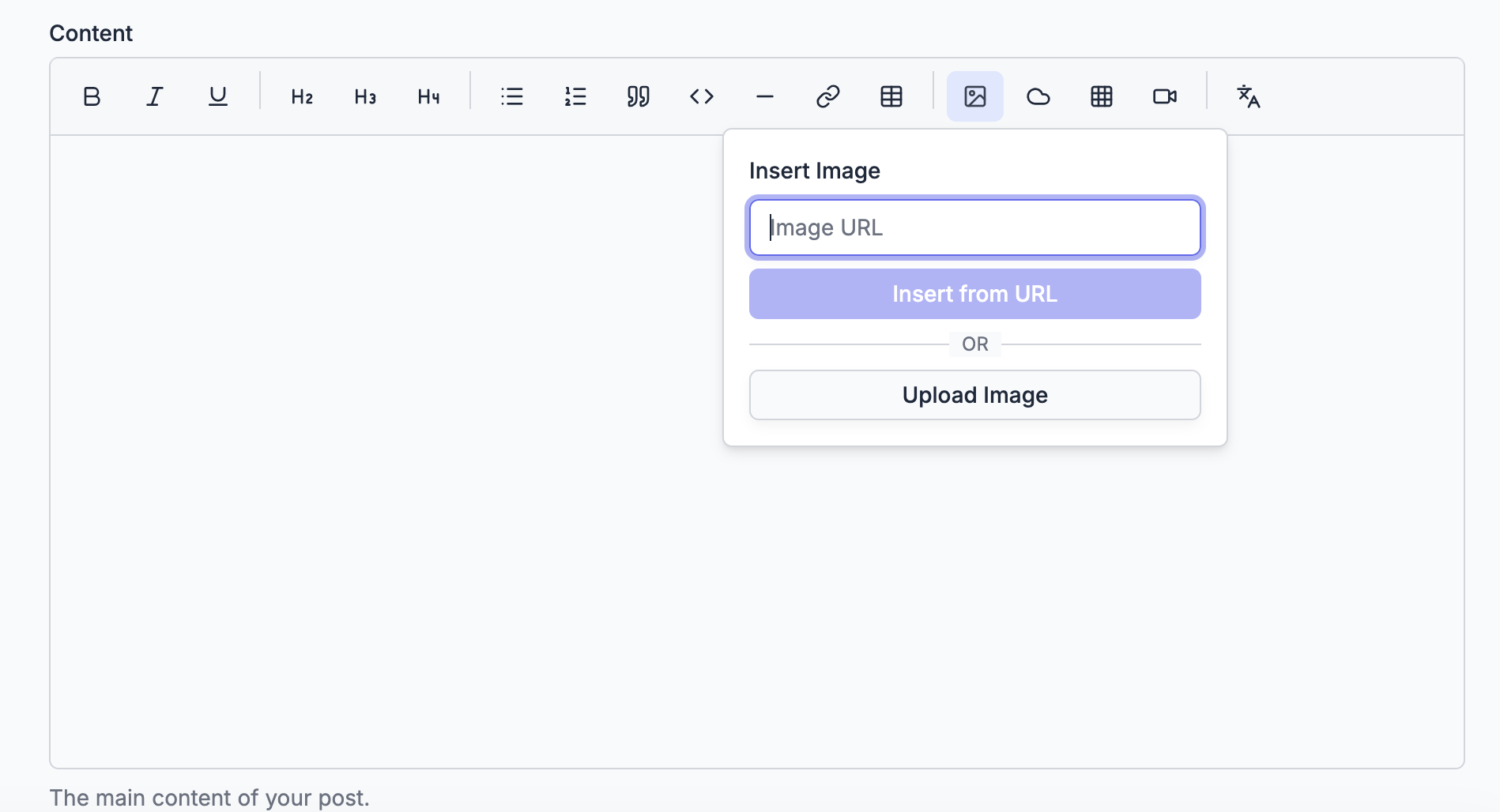
The toolbar has bold, italic, underline, headings, lists, quotes, code, a divider, links and tables, plus:
- Image: paste an image URL, or upload one from your computer.
- R2: pick images you already uploaded to your storage bucket.
- Image grid: several images side by side, with captions.
- Video: embed a YouTube video by its URL.
- Translate: see below.
The translate button
The last toolbar button translates the editor content into another site language with an AI model (components/tiptap/TranslationButton.tsx, route /api/admin/translate, admin only).
It needs two variables in .env.local and in the deployed env:
NEXT_PUBLIC_AI_PROVIDER=openai      # openai, deepseek, anthropic, xai or google
NEXT_PUBLIC_AI_MODEL_ID=<a text model id of that provider>
and that provider's API key from the AI integration. Without them the button is replaced by an info icon.
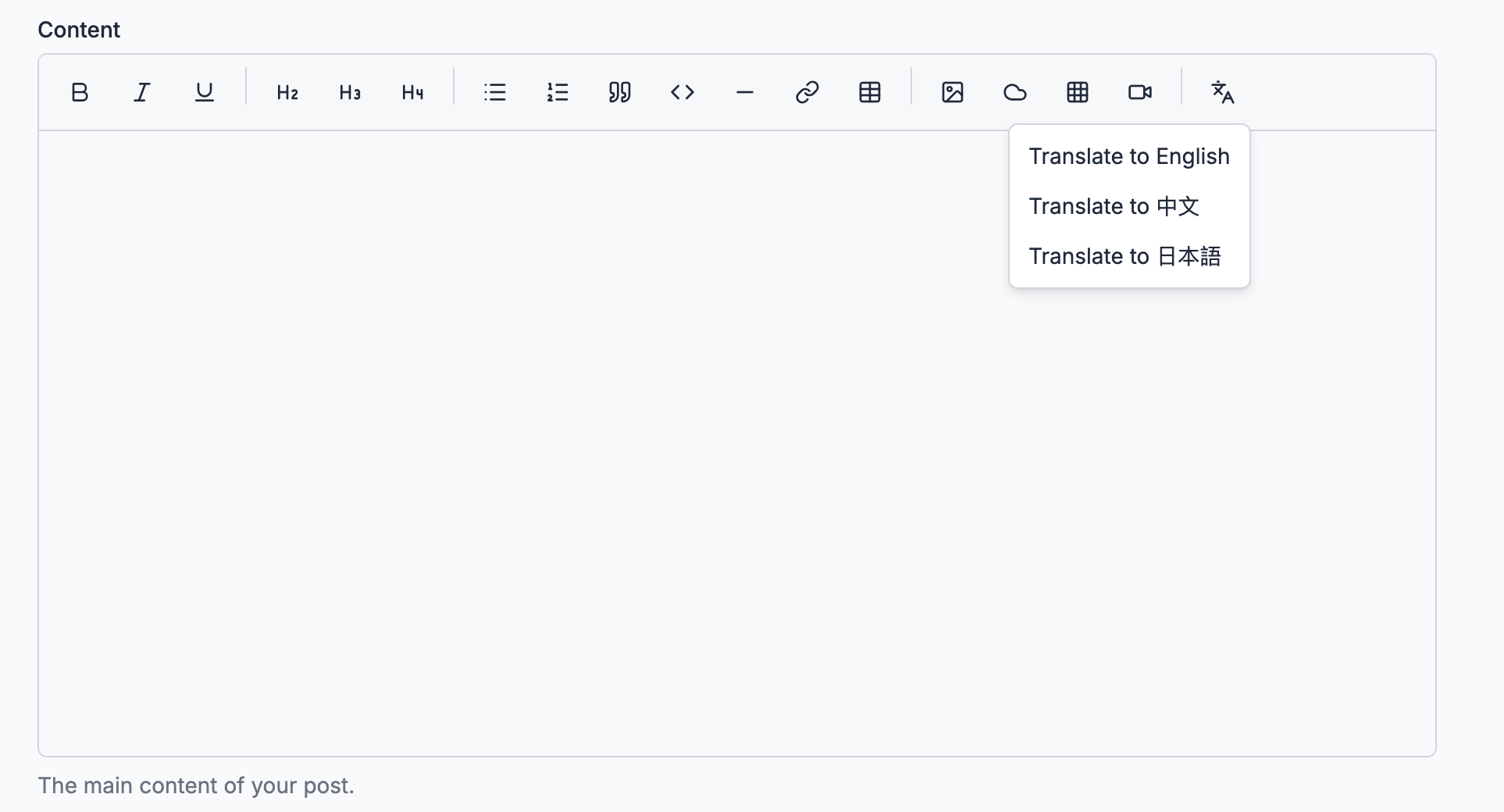
The menu lists every site language (the screenshot shows three). The translation replaces the content in the editor; title, slug, description and tags stay as they are. To publish a translation:
- Open the original post and copy its content, or start a new post and paste it.
- Set Language to the target language.
- Press translate, choose the language, wait for the text to stream in.
- Translate the title and description yourself (or ask the agent), keep the same slug, and save as a new post.
If the translation fails, the editor puts the original content back and shows the provider's error.
Writing a post as a file
Blog posts can also be MDX files in the repo, one folder per language: blogs/en/, blogs/zh/, blogs/ja/ and so on. The starter ships blogs/en/1.demo.mdx as an example:
---
title: demo
description: it is a description
slug: /demo
tags: nextjs,i18n,mdx,starter,robots,sitemap
publishedAt: 2025-02-16
status: draft
# status: draft/archived/published (published is default)
isPinned: false
---

## Introduction

demo| Frontmatter | Notes |
|---|---|
title, description |
as in the admin |
slug |
with a leading slash; the post's URL is /blog/<slug> |
tags |
comma-separated |
publishedAt |
the date shown and used for sorting |
status |
published when left out; draft and archived hide the post |
isPinned |
true puts the post at the top |
featuredImageUrl |
optional cover image URL |
Differences from admin posts:
- A file goes live only with a deploy (on Cloudflare: the next daily run, or a manual one).
- File posts are listed together with admin posts. If a file and an admin post share a slug in the same language, the file wins.
visibilityis not enforced for files: every file post is public. Use the admin for restricted posts.- Glossary entries have no file option.
On Cloudflare Workers the blogs folder ships with the build because it is listed in cloudflare/site-data.json. A new content folder must be added there too, or it is empty in production.
When it fails
| What you see | Cause | Fix |
|---|---|---|
| The Admin menu is missing from the dashboard | your account is not an admin | pnpm create-superadmin <email> |
A saved post does not show on /blog |
its status is draft or archived, or its language is not the one you are viewing |
set it to published; check the language prefix in the URL |
| Image upload fails | storage is not configured | finish the Storage setup |
| The translate button is an info icon | NEXT_PUBLIC_AI_PROVIDER or NEXT_PUBLIC_AI_MODEL_ID is empty |
set both and restart pnpm dev (redeploy in production) |
| A file post shows locally but not in production | it was not committed and deployed, or its folder is missing from cloudflare/site-data.json |
commit, deploy, register the folder |
A subscribers post is locked for a customer who paid |
the customer bought a license or credit pack, not a subscription | change checkUserSubscription, or use logged_in |